

Download Outline Manager VPN – Free, Secure, Self‑Hosted VPN Tool
Overview
Outline Manager VPN is a free, open‑source solution that lets you spin up and control your own virtual private network server. Created by Jigsaw, Google’s security think‑tank, the tool breaks away from the traditional subscription‑based VPN model by giving you full ownership of the server infrastructure. Whether you choose a trusted cloud provider such as DigitalOcean, AWS, or Google Cloud, or you prefer to run the server on a personal Linux box, Outline Manager handles the provisioning, key generation, and ongoing management with a clean, user‑friendly desktop interface.
The software uses a custom protocol designed to be hard to detect and block, ensuring that your traffic remains private and unlogged. While it doesn’t provide the same level of anonymity as large commercial VPNs that own massive server farms, it offers unparalleled transparency: you see exactly where your data travels and who controls the server. This makes Outline Manager an attractive choice for privacy‑conscious users, small businesses, and developers who need a reliable, low‑latency tunnel for testing or remote access without handing over their data to third‑party loggers.
Key Features & Compatibility
- Free, open‑source software with no hidden fees.
- Self‑hosted server creation on major cloud platforms (DigitalOcean, AWS, Google Cloud) or personal Linux VPS.
- Custom “Shadow‑Socks” based protocol that resists DPI and network throttling.
- One‑click key generation for instant device onboarding.
- Multi‑region server placement – choose Singapore, Germany, United States, etc.
- Cross‑platform client support (Windows, macOS, Linux, Android, iOS).
- Zero‑log policy – the manager never records traffic or usage data.
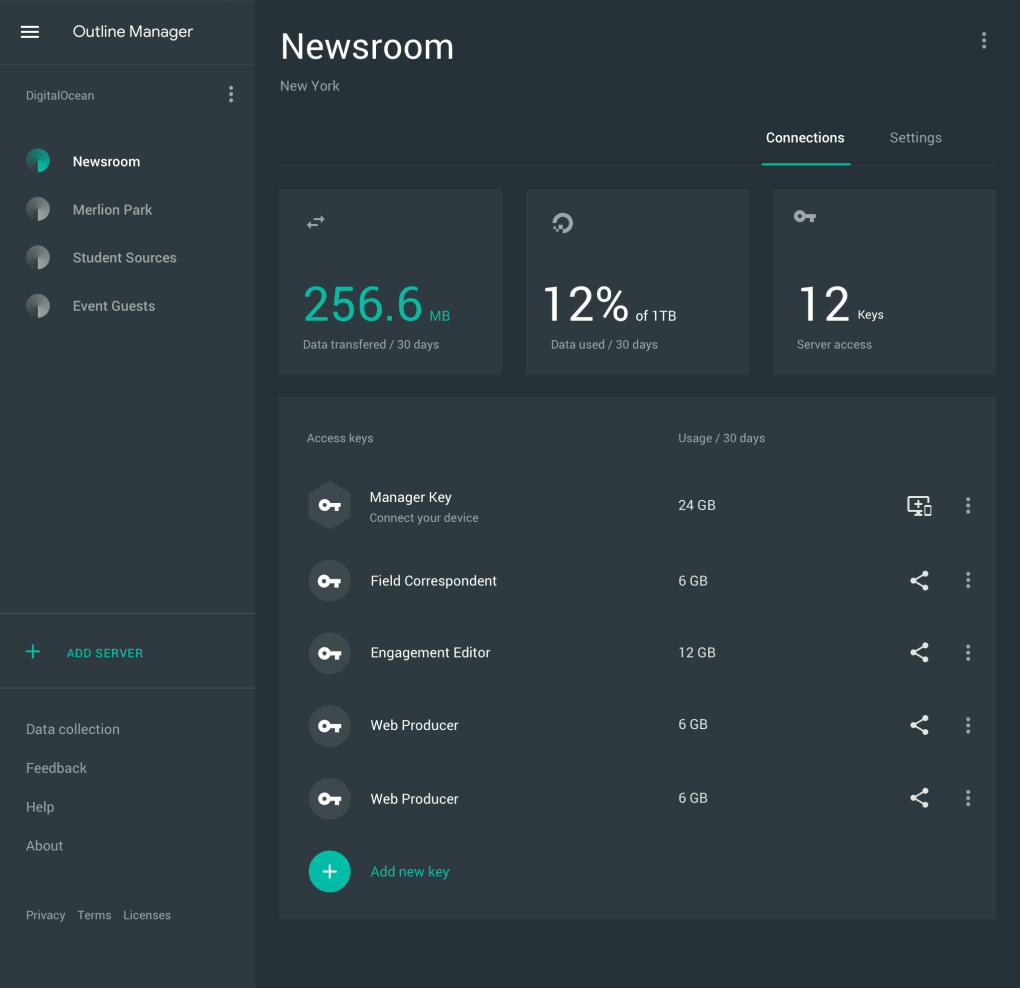
- Simple graphical interface for server monitoring and traffic statistics.
- Extensive documentation and active community support.
Operating System Support
Outline Manager runs on Windows 10/11, macOS 10.13 or later, and Linux distributions with a graphical desktop (Ubuntu, Fedora, Debian, etc.). The companion Outline Client is available for Android 5.0+ and iOS 11+. This broad compatibility ensures you can manage your VPN from virtually any workstation while connecting all your mobile devices securely.
Installation & Usage Instructions
Getting started with Outline Manager is straightforward, even for users with limited sysadmin experience. Follow these steps to have your own VPN up and running in under an hour:
- Download the installer. Visit the official Outline website, select the appropriate installer for your OS (Windows .exe, macOS .dmg, or Linux .AppImage), and run it. The installer verifies the digital signature to guarantee a secure download.
- Create a cloud account. If you opt for a cloud provider, sign up for DigitalOcean, AWS, or Google Cloud. Most providers offer a free credit for new users, which is sufficient for a basic VPN server.
- Launch Outline Manager. Open the application and click “Create Server.” Choose your provider, region, and server size. The manager will provision a virtual machine, install the Outline server software, and configure firewall rules automatically.
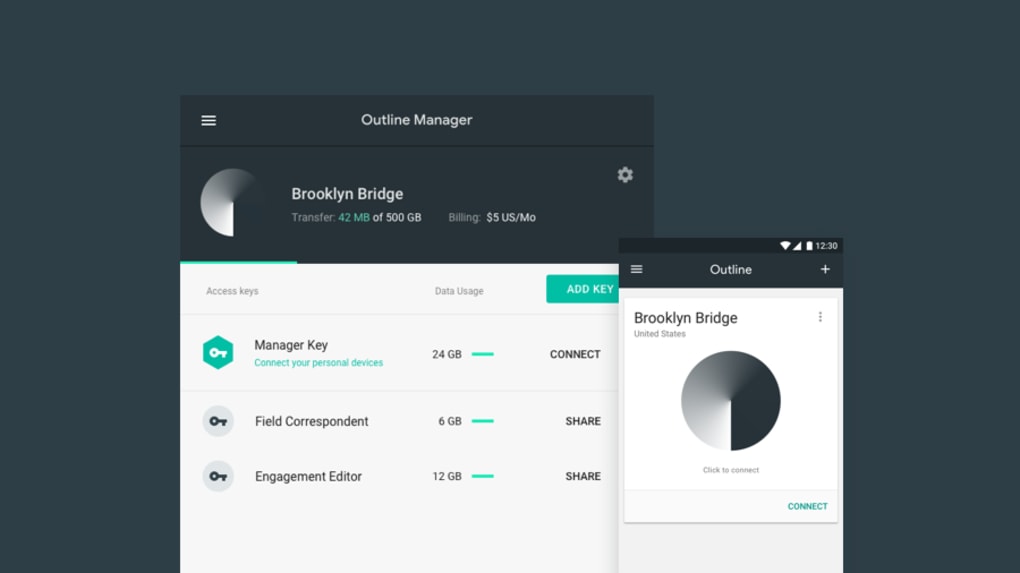
- Generate access keys. Once the server is ready, click “Add Access Key.” The manager creates a unique key string that you’ll copy into the Outline Client on each device you wish to protect.
- Install the Outline Client. Download the client app on your phone, tablet, or another computer. Paste the access key when prompted, and you’re connected.
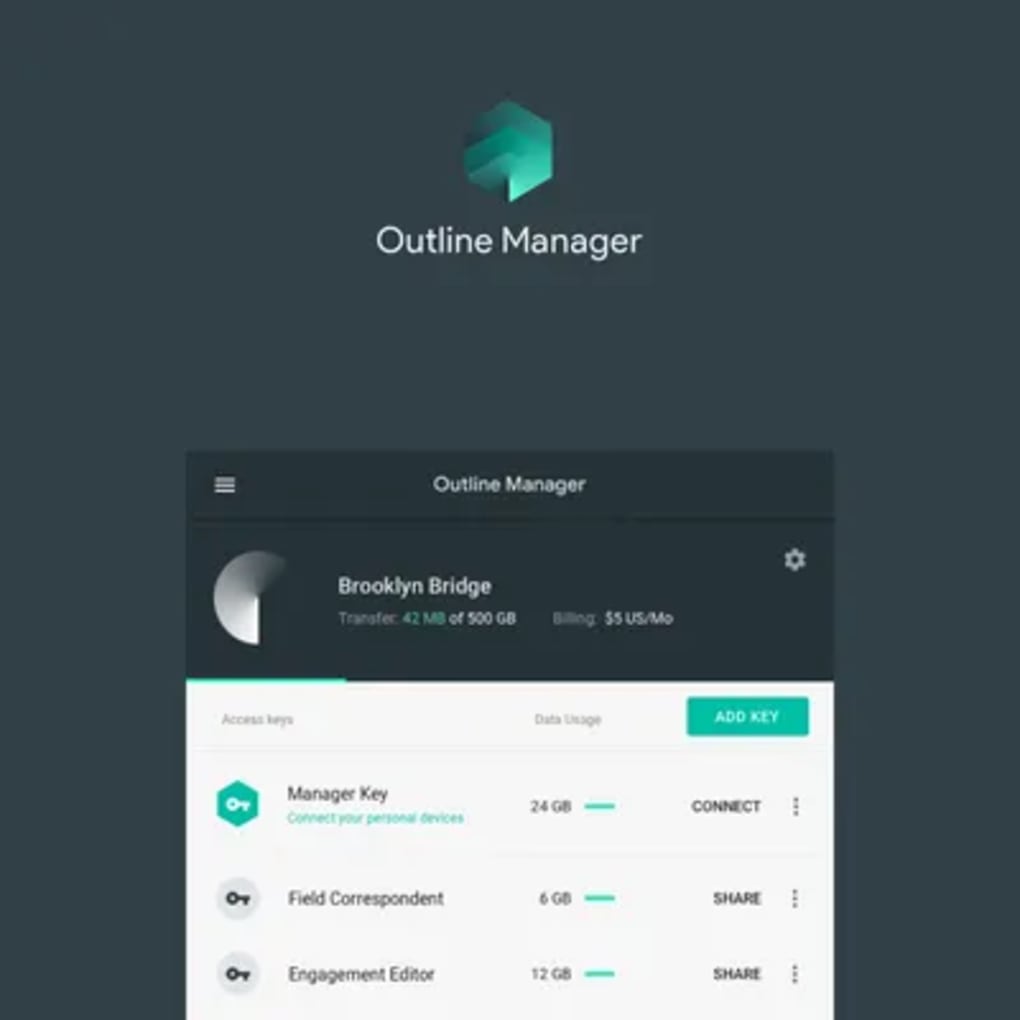
- Monitor and manage. Return to the Manager dashboard to view active connections, data usage, and server health. You can revoke keys, add new ones, or even spin up additional servers in different regions for load balancing.
For users who prefer self‑hosting, the same Manager UI can target a Linux VPS you already control. Simply provide the server’s SSH credentials, and the manager will handle the installation of the Outline server binary, configure systemd services, and open the required ports. After the setup, the workflow for key generation and client connection remains identical.
Regular updates are pushed automatically. When a new version is available, the Manager will prompt you to download the latest build, ensuring you benefit from security patches and performance improvements without manual intervention.
Pros, Cons & Frequently Asked Questions
Pros
- Completely free and open‑source – no subscription fees.
- Full control over server location and hardware specifications.
- Strong privacy stance with zero logging.
- Easy one‑click server provisioning on major cloud platforms.
- Cross‑platform client support for all major devices.
- Custom protocol resists blocking and throttling.
Cons
- Requires a cloud account or existing Linux server – not a pure “plug‑and‑play” solution.
- Limited anonymity compared to large commercial VPNs that rotate IPs constantly.
- Performance depends on the chosen cloud provider and server tier.
- No built‑in ad‑blocking or malware protection features.
FAQ
Is Outline Manager VPN really free?
Yes. The software itself is open‑source and can be downloaded without cost. You only pay for the underlying cloud infrastructure (e.g., a DigitalOcean droplet) or your own VPS.
Can I use Outline on multiple devices simultaneously?
Absolutely. Each device needs its own access key, which you generate in the Manager. There is no hard limit on concurrent connections, other than the bandwidth of your chosen server.
How secure is the custom Outline protocol?
Outline uses a hardened version of the Shadowsocks protocol with strong encryption (AES‑256‑GCM). It is designed to evade deep‑packet inspection and is regularly audited by the open‑source community.
Do I need technical knowledge to set up a server?
The graphical Manager handles most of the heavy lifting. While basic familiarity with cloud accounts helps, the step‑by‑step wizard guides you through provisioning without requiring command‑line expertise.
Can I self‑host on my own hardware?
Yes. Outline Manager supports any Linux server you can SSH into. You simply provide the server’s credentials, and the Manager installs the Outline server binary and configures it automatically.
Conclusion & Call to Action
Outline Manager VPN offers a refreshing alternative to conventional subscription‑based VPN services by placing the power of server ownership directly in your hands. Its free, open‑source nature, combined with a polished desktop interface and cross‑platform client support, makes it an ideal choice for privacy‑savvy users, remote workers, and developers who need a reliable tunnel without sacrificing transparency. While it does require a modest amount of setup and does not provide the extensive anonymity networks of larger commercial providers, the trade‑off is a clear, auditable path for your data—no hidden logs, no third‑party data mining.
If you value control over your internet traffic, want to avoid recurring VPN fees, and are comfortable managing a cloud instance or a personal VPS, Outline Manager is worth the investment of a few minutes to get started. Download the installer now, spin up your first server, and enjoy a secure, uncensored browsing experience tailored to your exact needs.
Ready to take back your privacy? Download Outline Manager VPN today and launch your own secure network in minutes.
Pros: Free, self‑hosted control, strong encryption, easy UI.
Cons: Requires cloud/VPS, less anonymity than large VPNs.







